One photo · one dance · ready to post

AI dance generator: make any photo dance

Upload one photo of a person or an anime character, pick a trending dance and get a vertical 9:16 AI dance video for TikTok and Reels. No editing, no prompts.
  • No watermark
  • Credits back if a video fails
  • Ready in 2–4 minutes
1 · Pick a dance
2 · Quality
3 · Your photo
Super Funk · 720p · 225 credits · 15s
9:16 · ready to post
Example resultOriginal photo used for the Super Funk AI dance
Super Funk15s · Trending

Dances in the library: Super Funk, Jingle Bell Rock, Dame Hombro

What is AI Dance Generator

AI Dance Generator is an online AI dance video generator. One photo in, a real routine out, and the whole body dances, not just a filter.

Made for TikTok and InstagramClips are vertical 9:16 MP4s by default, sized for TikTok, Instagram Reels and YouTube Shorts the moment it renders.
Trends while they are trendingNew dances land as they take off on TikTok, plus holiday and party routines in time for the season.
People and anime charactersMake a friend, your own baby or an anime character dance. One clear full-body photo is all the AI needs. For a cat or dog, use the AI cat dance or AI dog dance page.
Dance library

TikTok trends, memes and holiday hits

Every dance has its own page with real before and after examples. Pick the one that fits the joke.

Before → after

One photo in, an AI dance video out

Same person, same outfit, same background. The only thing the AI changes is that now they dance.

Super Funk

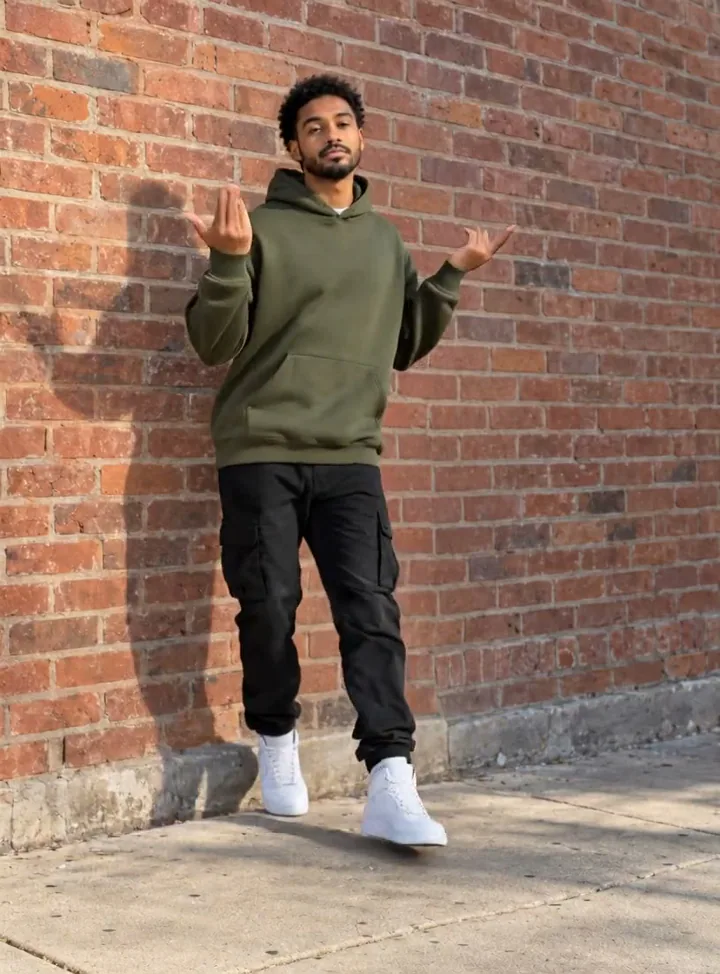
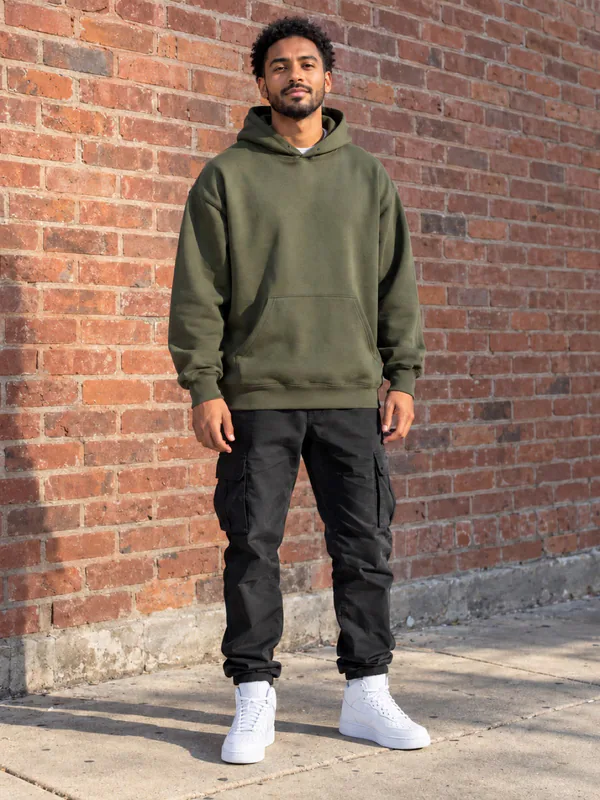
A street photo by a brick wall turns into the full Super Funk routine.

Original photo used for the Super Funk AI dancePhoto
Dance

Jingle Bell Rock

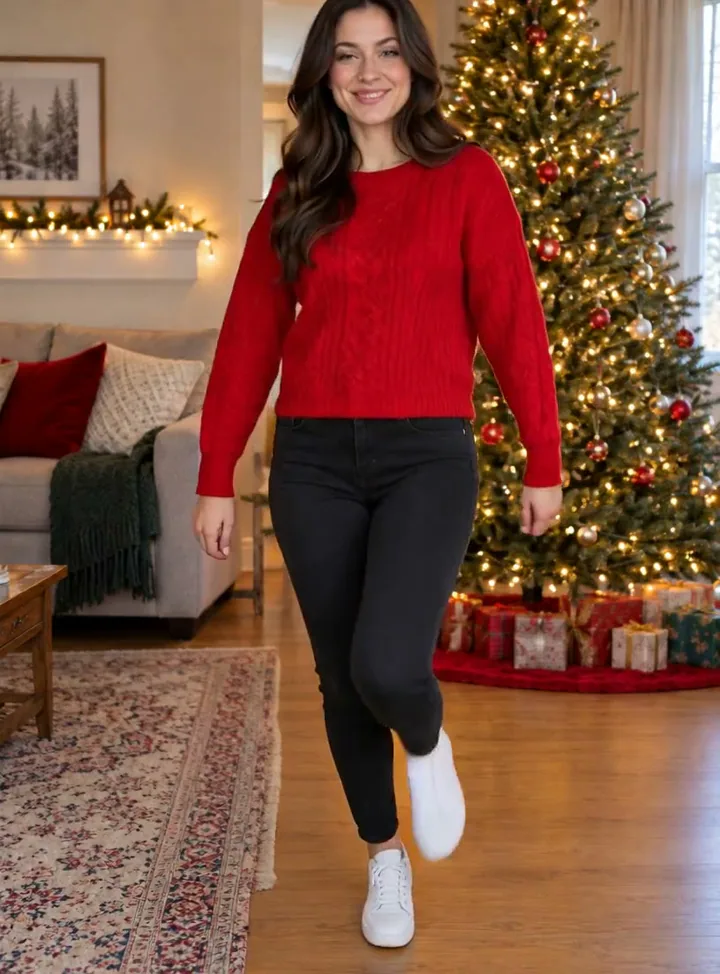
A living-room photo by the tree becomes a full holiday routine, sweater and all.
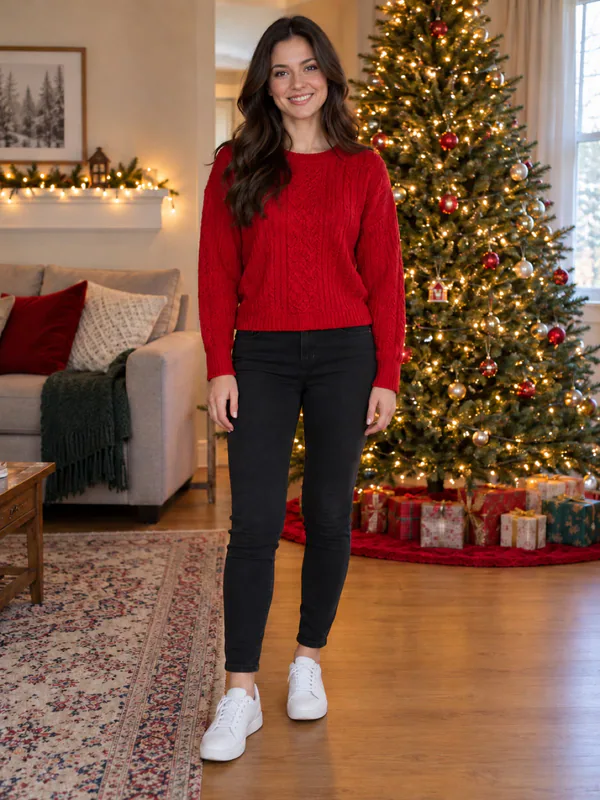
Original photo used for the Jingle Bell Rock AI dancePhoto
Dance

Dame Hombro

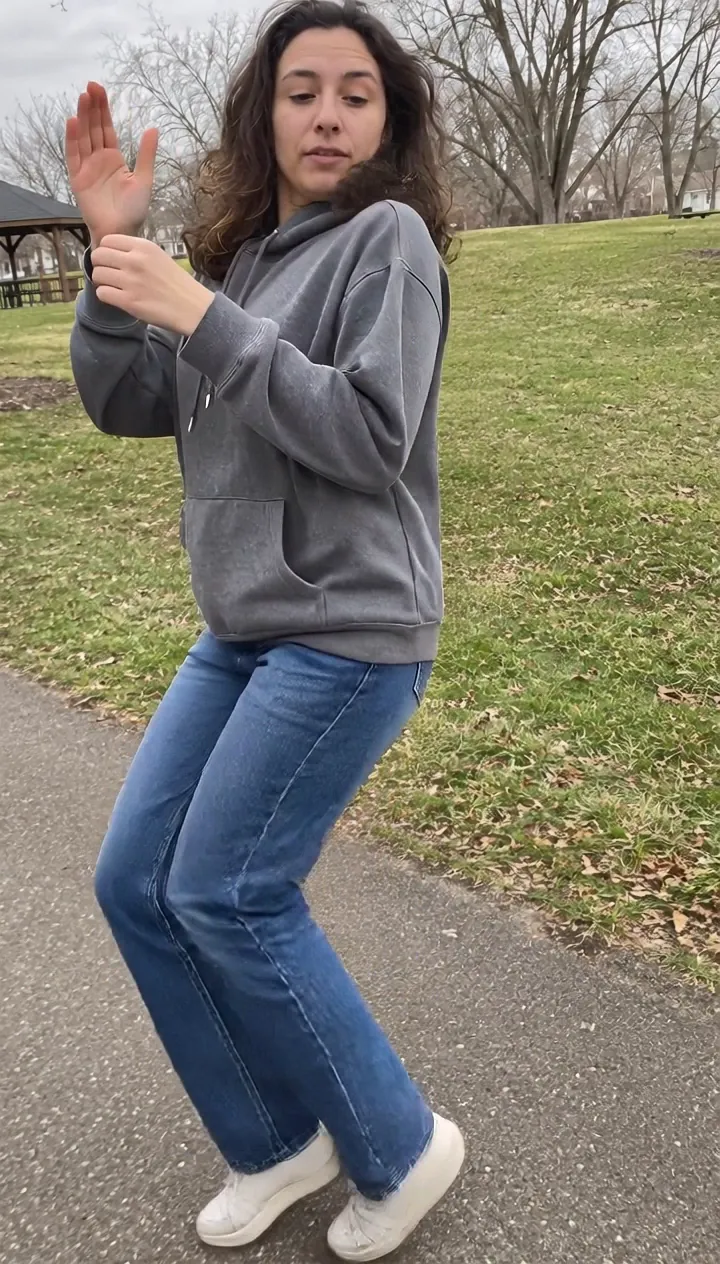
A full-length photo taken in a park turns into a Dame Hombro AI video: same outfit, same park.
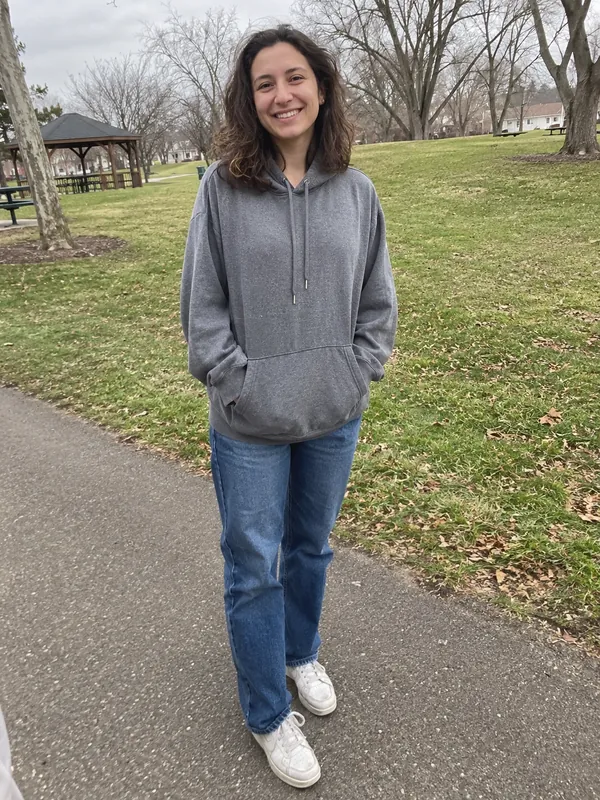
Original photo used for the Dame Hombro AI dancePhoto
Dance
How it works

How to make an AI dance video from a photo

Upload a photo

A clear photo of one person or character, with the whole body in frame. A normal phone photo is fine.

Pick a dance

Choose a trending, funny or holiday dance. Every one shows a real example before you spend a credit.

Download and post

In a few minutes your dance video is ready. Download the MP4 and post it to TikTok, Reels or the group chat.

Why AI Dance Generator

More than a dance filter

Real choreography

Each dance follows a real reference routine, so the moves in your video match the example you picked.

No watermark

Every video comes out clean, whether it is from a monthly plan or a one-time credit pack.

Failed videos refund

If a video does not come out, the credits go straight back to your balance.

720p or 1080p

Pick quick 720p for the group chat or sharper 1080p for a post that stays on your profile.

Works in your browser

Nothing to install. Use the AI dance generator online from your phone or laptop.

Made for memes

Your most serious coworker or your favourite anime character doing a trending dance beats any meme template.

Pricing

Plans for regulars, packs for one-offs

Browsing every dance and its examples is free, no sign-up needed. You only use credits when you make a video: subscribe for the best rate, or top up once.

Starter

$7.99 / month

$95.90 billed yearly

400 credits / month2–3 dances

  • All dances, including new trends
  • 720p or 1080p vertical video
  • No watermark
  • Cancel anytime
Most popular

Pro

$19.99 / month

$239.90 billed yearly

1,100 credits / month7–8 dances

  • Everything in Starter
  • Better price per credit
  • Cancel anytime

Max

$39.99 / month

$479.90 billed yearly

2,400 credits / month16 dances

  • Everything in Pro
  • Best price per credit
  • For creators who post daily
  • Cancel anytime

Prefer no subscription?

One-time credit packs never expire. Pay once, use them on any dance.

FAQ

AI dance generator FAQ

What people ask before they make their first dance.

An AI dance generator turns a still photo into a short dance video. You upload one picture of a person, pick a routine, and the AI moves that person's whole body through the choreography while keeping their face, outfit and background. Videos are MP4s, vertical 9:16 by default, or you can keep your photo's shape.
Upload a photo, pick a dance and choose 720p or 1080p. The video is usually ready in two to four minutes, and you can leave the page while it renders: it waits for you in My generations. Then download the MP4 and post it.
Start with the right picture. One person, facing the camera, with head, shoulders and body clearly in frame works best, and full-body photos give the most natural footwork. Avoid group shots, heavy filters and photos where the head or feet are cut off.
Yes. Upload a full-body image of a single anime or cartoon character, standing upright with arms and legs clearly visible, and pick any dance. A simple background helps the AI keep the character clean while it moves.
Yes: use our AI cat dance or AI dog dance page, which have styles made for each. The dances here copy human moves, so a photo of a cat, dog or other animal often can't be animated. If a video fails, your credits go back automatically.
Yes, with a photo of your own baby. Only upload photos of children you are the parent or guardian of, never someone else's. A clear photo with the whole body visible gives the cutest moves.
Group videos are not available yet: each video animates one person, so group photos will not work for now. Group dances are coming in a future update.
Yes. Videos are MP4s with no watermark, and the default vertical 9:16 is ready for TikTok, Instagram Reels and YouTube Shorts.
Yes. Your plan stays active until the end of the period you paid for, and it won't renew after that.
9:16 · no watermarkReady when you are

Your photo. Real moves. Ready to post.

Upload one photo, pick a dance and get your first AI dance video in minutes.

Start dancing