Dame Hombro AI dance
One photo in, a 15-second Dame Hombro AI dance out. No dancing required.
About this dance: Dame Hombro, 15-second routine, One photo, No editing, Ready for TikTok & Reels
One photo in, Dame Hombro out
Different people, the same routine. Every example here was made from a single photo.
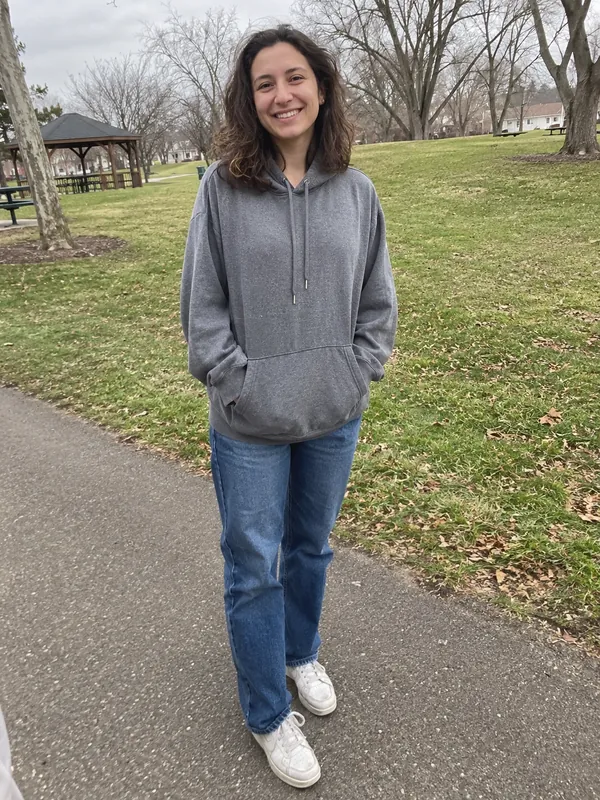
0:15A full-length photo taken in a park turns into a Dame Hombro AI video: same outfit, same park.
The Dame Hombro AI trend lets anyone join the shoulder dance spreading across TikTok, including people who would never dance on camera. Upload one photo at the top of this page and the person in it performs the whole 15-second routine: the side-on pose with a hand by the face, the deep squat, the lean into the lens and the bicep flex at the end. You get a vertical Dame Hombro AI video to download and post, with nothing to film or edit.
What is the Dame Hombro AI trend?
"Dame Hombro" is a dembow track by Bulin 47 and Kevin Wai, released in October 2026. The title is Spanish for "give me shoulder". In Spanish the h is silent, so plenty of people search for it as "Dame Ombro".
Within days the song had a routine of its own: a fixed 15-second shoulder dance that hundreds of thousands of TikTok videos now use. The version most people copy comes from the TikTok creator Pio, and it has been danced by people of every age, alone in their living rooms or as synchronised trios.
The Dame Hombro AI version keeps the routine and changes the dancer. Instead of filming themselves, people upload a photo of a friend, a parent or themselves and let the AI do the moves. Since every Dame Hombro video follows the same choreography, the surprise is all in who is dancing.
The Dame Hombro dance, move by move
This is the routine the Dame Hombro AI generator follows, timed to the 15-second clip:
- The side-on pose (0–5 s). The body turns about three quarters, one hand rises next to the face with the palm out, the other forearm rests across the chest, and the knees bounce to the beat. This is the move people recognise first.
- The jump forward (5–6 s). The hands drop, the body turns square to the camera and hops forward.
- Wide squat with crossed arms (6–7.5 s). Feet wide, knees deep, forearms swinging across the body, a thumb pointing back over the shoulder.
- Bend and sweep (7.5–8.5 s). A lean forward with both hands sweeping down in front of the knees.
- The lean-in (about 9–10 s). Up again, face and chest pushed right up to the camera, arms out, shoulders raised.
- Back to the squat (10.5–13 s). A bouncing wide squat with the hands circling in front of the chest.
- Flex and reset (13.5–15 s). One arm curls up to show the bicep, then the dancer returns to the side-on pose, so the clip loops cleanly.
How the Dame Hombro AI video generator works
The generator works from two things: your photo and a reference clip of the full routine. The photo supplies the person, with their face, hair, clothes and the background behind them. The reference clip supplies the motion, beat for beat. Put together, your friend does the Dame Hombro dance in their own outfit, in the place where the photo was taken.
That is also why there is nothing to type. You do not write a prompt or describe the steps; the routine is fixed, the same one you see on TikTok. Every video comes out at 15 seconds and 9:16, the same length and shape as the trend clips it will sit next to.
Dame Hombro AI video ideas
- Someone who never dances. Your dad, your most serious coworker, a grandmother in her Sunday best. The less likely the dancer, the better the clip lands.
- A friend group challenge. Make one for each friend from a full-length photo. Every clip runs the same 15 seconds, so they work back to back or stitched side by side.
- An outfit that adds to the joke. The clothes stay exactly as they are in the photo, so a sharp suit, a wedding outfit or a football shirt becomes part of the video.
- Your pet. Dame Hombro is built on human squats and arm moves, and pet photos usually can't follow it. Our AI cat dance and AI dog dance pages have routines made for pets.
What photo works best
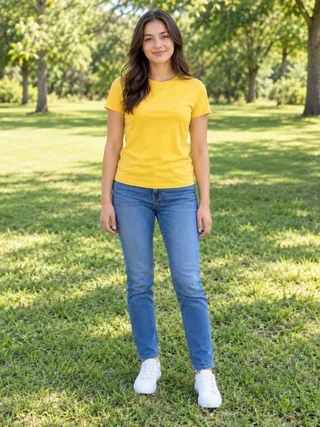
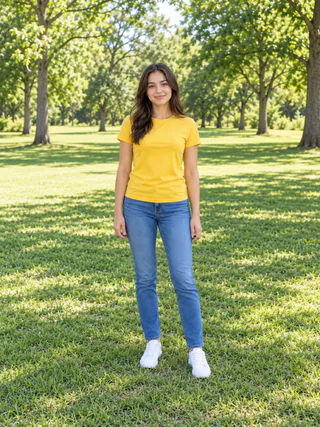
A Dame Hombro AI dance moves a lot: deep squats, arms out wide, a lunge toward the camera. Pick a photo that leaves room for all of it.
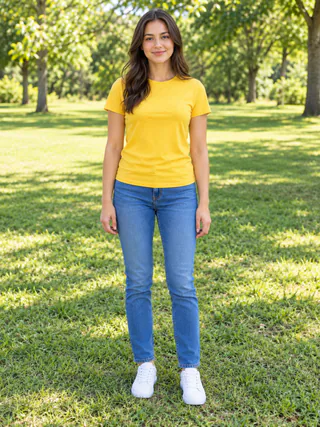
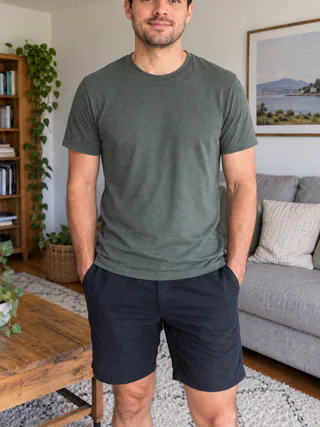
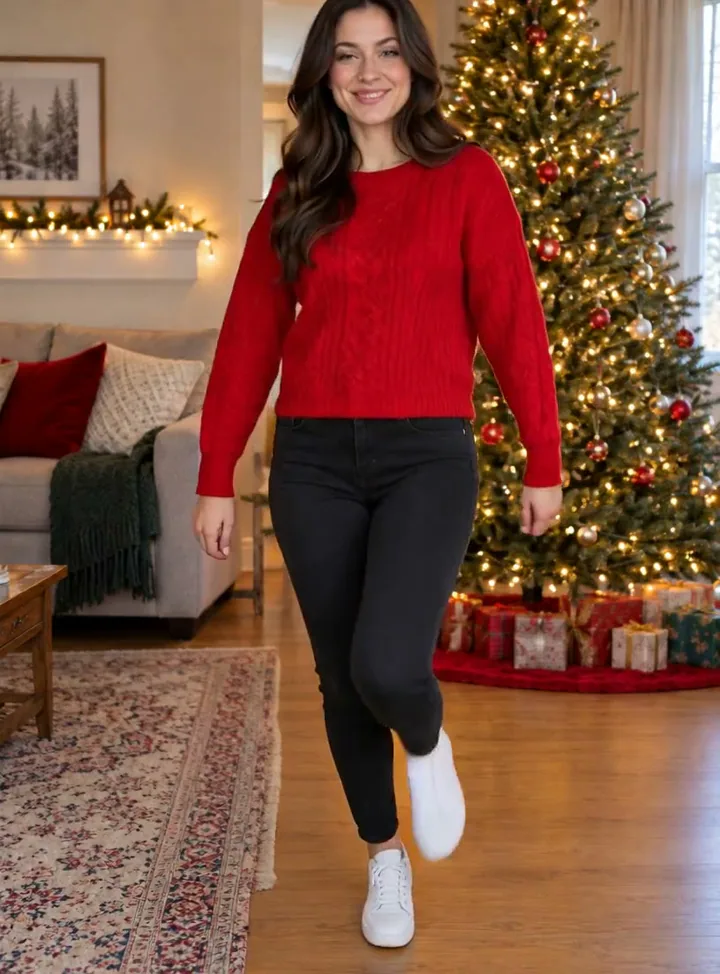
- One person, head to feet. The squats and knee bounces need legs and feet in the picture.
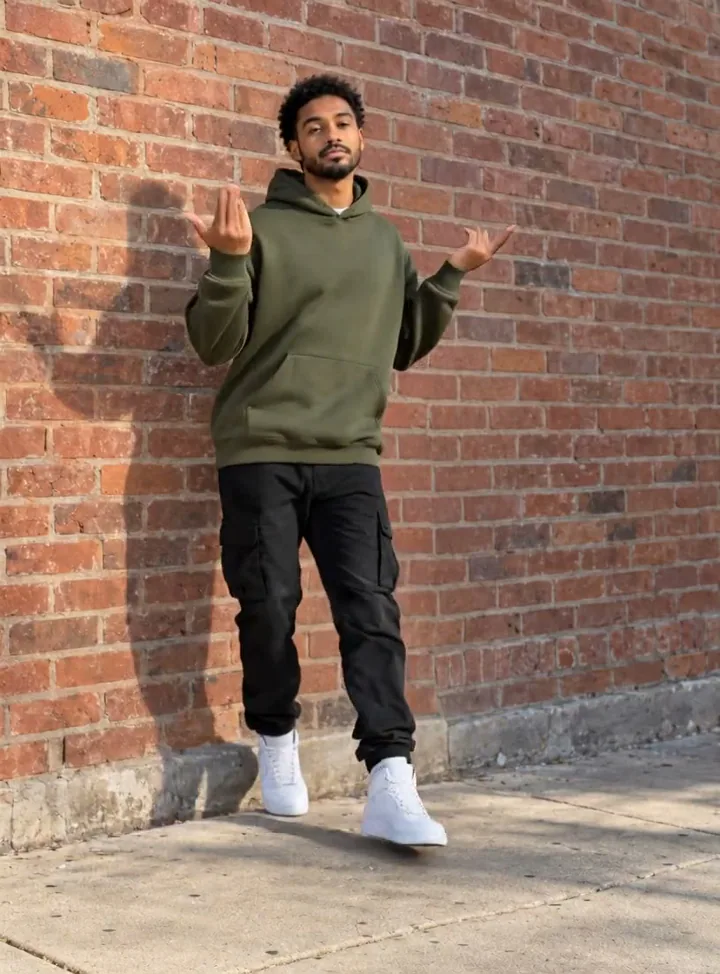
- Space around the body. The arms go wide and above the shoulders, so leave some room on both sides and above the head.
- A sharp, well-lit face. During the lean-in the face fills the frame for a moment. That is where a blurry or dark photo shows most.
- Standing and facing the camera, relaxed, with the arms at the sides or a little away from the body.
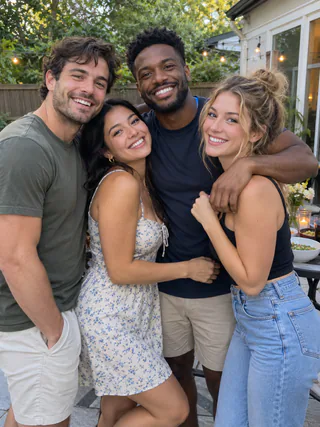
Skip group photos (this is a solo routine), heavy filters and shots that cut off the head or feet. And only upload someone else's photo if they are happy to star in the video.
How to make your own
- Upload one photo in the generator at the top. Dame Hombro is already selected.
- Pick 720p or 1080p. 720p is fine for a quick post; 1080p is sharper. Dance details lists the credits for each.
- Tap Make it dance. Your Dame Hombro AI video is usually ready within a few minutes.
- Download and post. The finished clip is a 15-second, 9:16 MP4. It also stays in My generations if you want to download it again later.
Dance details
- Length
- 15 seconds
- Format
- MP4, 9:16 by default
- Resolution
- 720p or 1080p
- Cost
- 225 credits at 720p · 315 at 1080p
- Category
- Trending
- Added
- Nov 2026
Pick a photo that can dance
The AI needs to see the body it is moving. These photos give the best results.
✓Works great
✕Avoid

Dame Hombro questions
Short answers before you make your own.
Make anyone do the Dame Hombro
One photo, 225 credits, about three minutes.
Make it dance